Hide amounts and share your budget
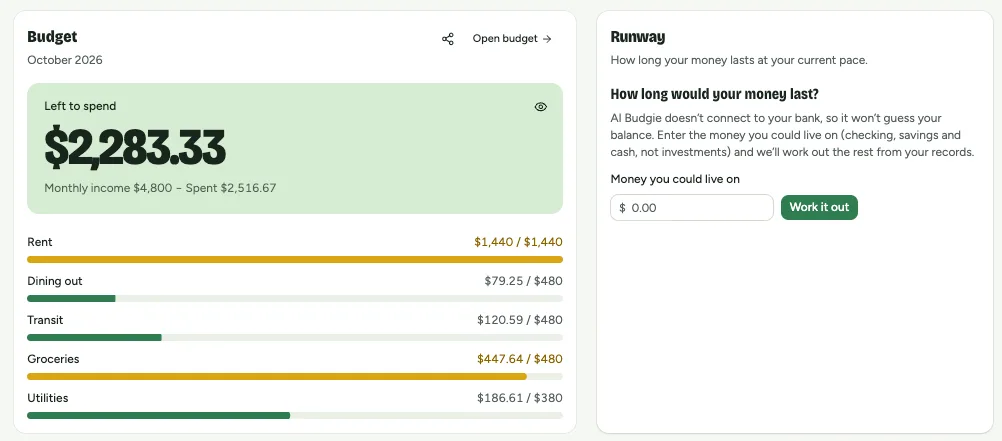
The eye on the Overview hides what’s left, your income and your spending. Share buttons turn your budget card, runway or money flow into an image, made on your device.
Hide amounts, then share the card
- 1
On the Overview’s Budget card, tap the eye at the right of Left to spend. It, your monthly income and what you’ve spent show as ****; the categories below stay visible. This device remembers your choice.
- 2
Tap share at the top of the card. The image starts with those amounts hidden; turn off Hide amounts to show them. Share image opens your phone’s share sheet or saves it on a computer, and Copy image copies it.
Other things you can share
- Runway: just the number of months, never your balance.
- Where your money goes: shares of your income, with the amounts hidden if you like, in portrait (Xiaohongshu, Instagram) or landscape.
Was this helpful?